Nereden satın alabilirim?
Yardıma mı ihtiyacınız var? Her türlü sorunuz için bayilerimize danışabilirsiniz.
Size en yakın bayiyi bulun
Tech Tip: Firmware updates with VictronConnect
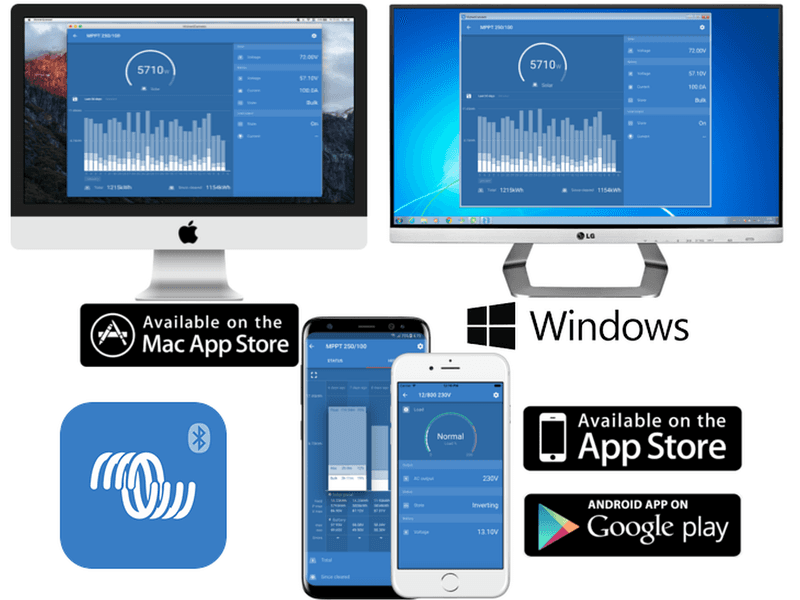
If you use VictronConnect, we have noticed some people assume you need an internet connection to update compatible products. To reassure those that have asked about this – it is not the case and here is why.
All firmware files are already bundled with the app, so as long as you have the latest version of the app – you have the latest firmware.
In other words, let’s assume you have not visited an installation for some time and that location does not have internet access on-site. As long as you ensure you have the latest version of the app whilst still in range of an internet connection, you can then go to site and if a product needs updating VictronConnect will tell you that. This applies to Wired and Bluetooth products (be they Smart tech built in or if using the VE.Direct Bluetooth Smart dongle).
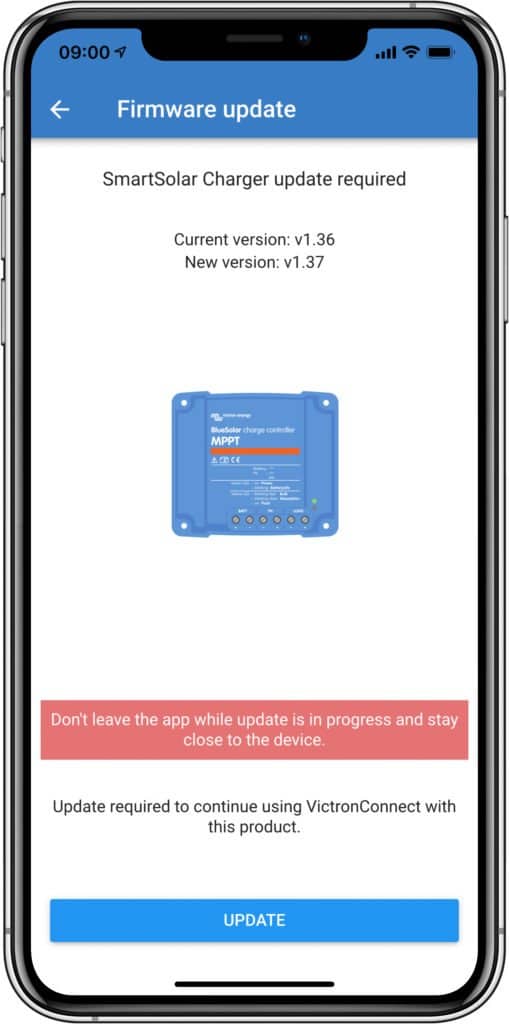
Just one example of the many products whose firmware can be updated with VictronConnect – in this instance using an iPhone XS Max over Bluetooth to a SmartSolar MPPT charge controller.
Note: if for some unlikely reason you have any issues updating your firmware using VictronConnect, it can usually be resolved by following the steps in the firmware update and troubleshooting section of the VictronConnect manual, or by contacting your distributor.
John Rushworth
Yardıma mı ihtiyacınız var? Her türlü sorunuz için bayilerimize danışabilirsiniz.
Size en yakın bayiyi bulun
Destek için teknik dökümanlarımızı inceleyebilir veya özel destek, onarım ve garanti talepleriniz için ürünü satın aldığınız bayinizle iletişime geçebilirsiniz.
Destek
Sektör lideri 5 yıllık standart garantimiz ve küresel onarım servisimiz hakkında daha fazla bilgi edinin.
Garanti


©Victron Energy 2026
